
Customer Support
Make every customer conversation count.
Give support teams a structured communication environment that gets each caller to the right person quickly and keeps managers in the picture.
[ The problem ]
Unstructured call handling loses customers
Without structure, calls land on whoever's free, queues form invisibly, and no one can see where conversations are being dropped or delayed.
Route calls to the right agent and track every one
Calls are directed to the right department or the next available agent, so customers spend less time being transferred around.
Teams handle conversations from one place and keep visibility into what's happening, which brings missed calls and response times down.
[ In practice ]
How a support call moves from ring to resolution
The shape of a support call when the routing is set up properly, nobody hears a busy tone and nothing goes uncounted.
- 01
The menu asks once
An IVR greeting offers the departments you actually have, so the caller selects where they need to go instead of being passed around.
- 02
The queue holds the place
If every agent in that department is on a call, the caller waits in order with a message, rather than a busy tone or an unanswered ring.
- 03
The first free agent picks up
The call is delivered, recorded for quality and training, and added to the day’s figures the supervisor is watching.
What’s included
The capabilities that make up Customer Support, and what each one changes day to day.
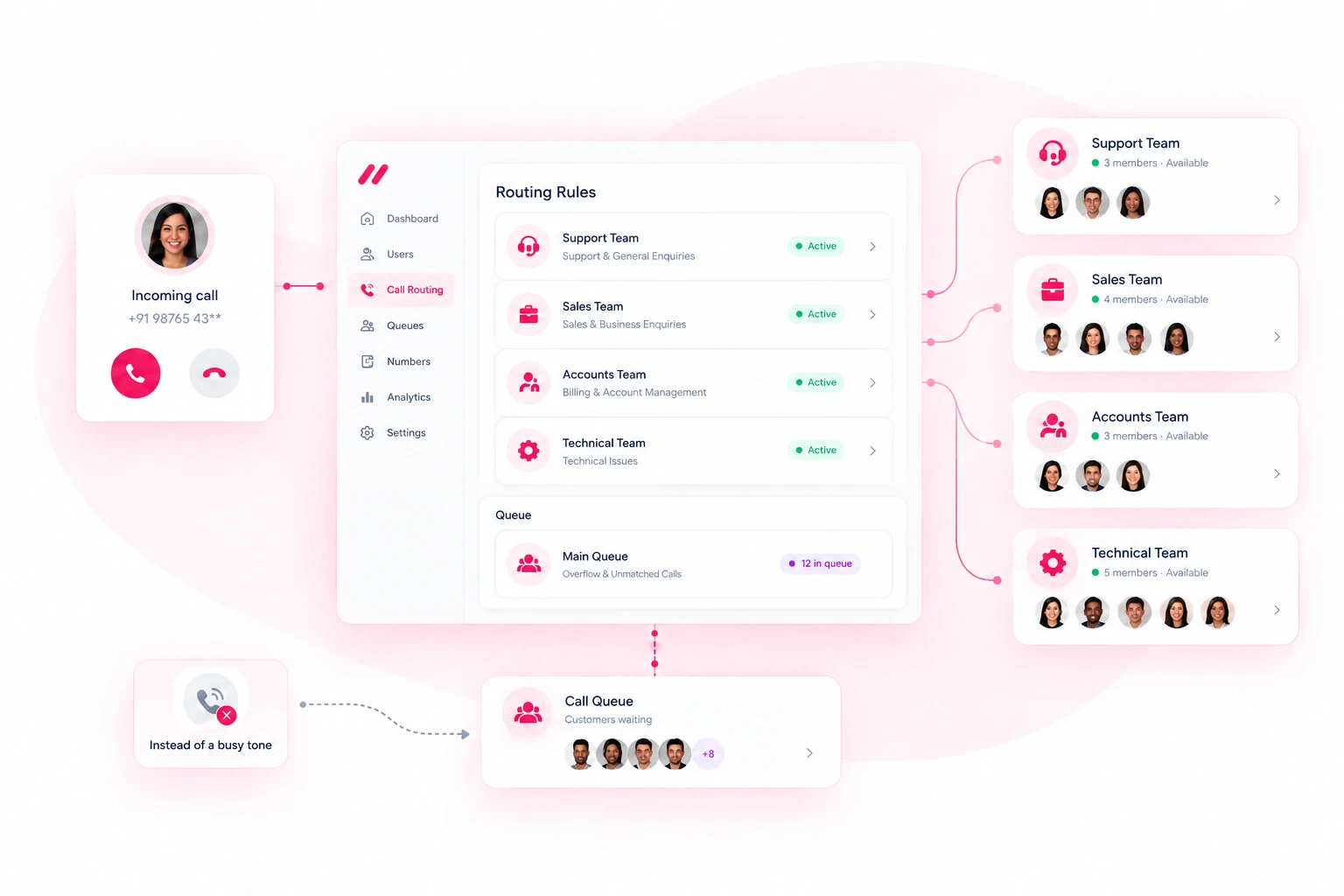
Intelligent routing and queues
Send each caller to the right team and hold the rest in an organised queue instead of a busy tone.
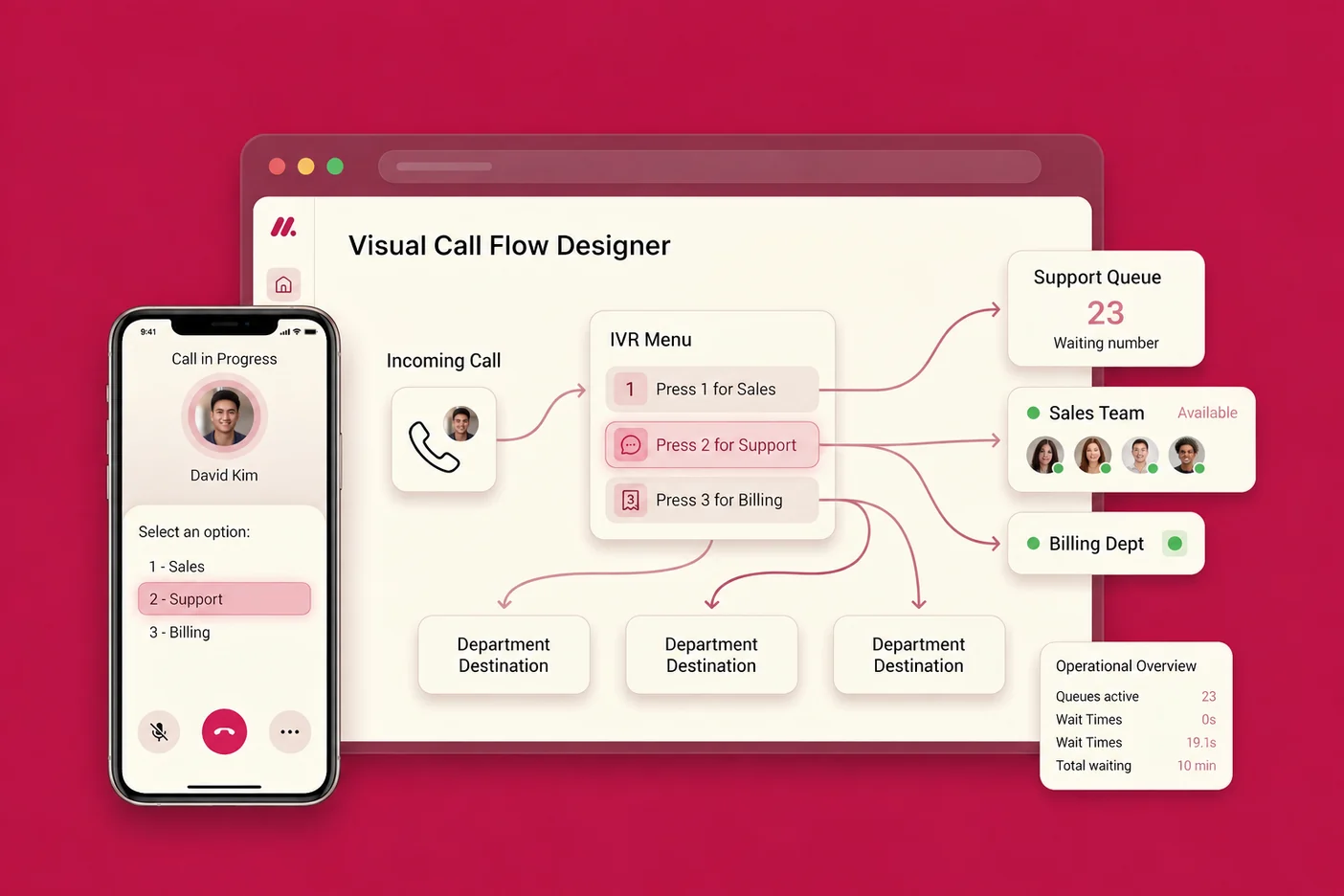
IVR menus
Let callers self-select Sales, Support or Billing before they ever reach an agent.
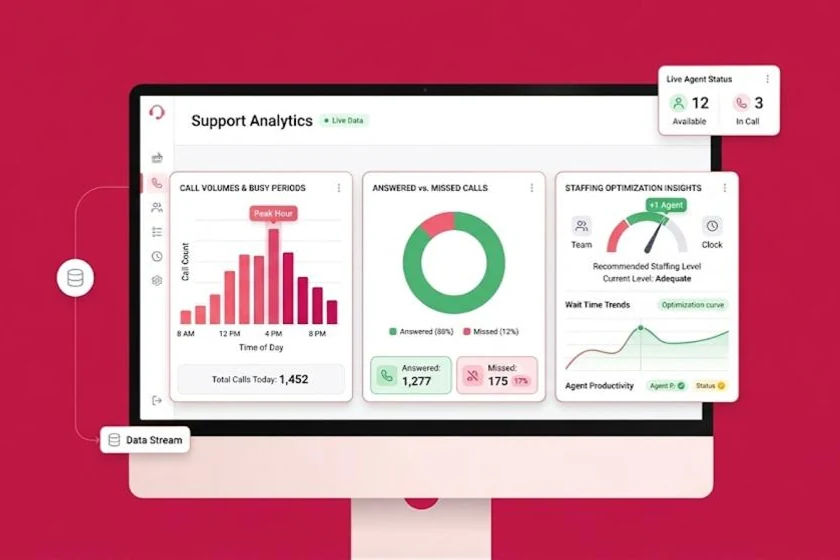
Analytics
Understand call volumes, answered and missed calls, and busy periods to staff and improve accordingly.
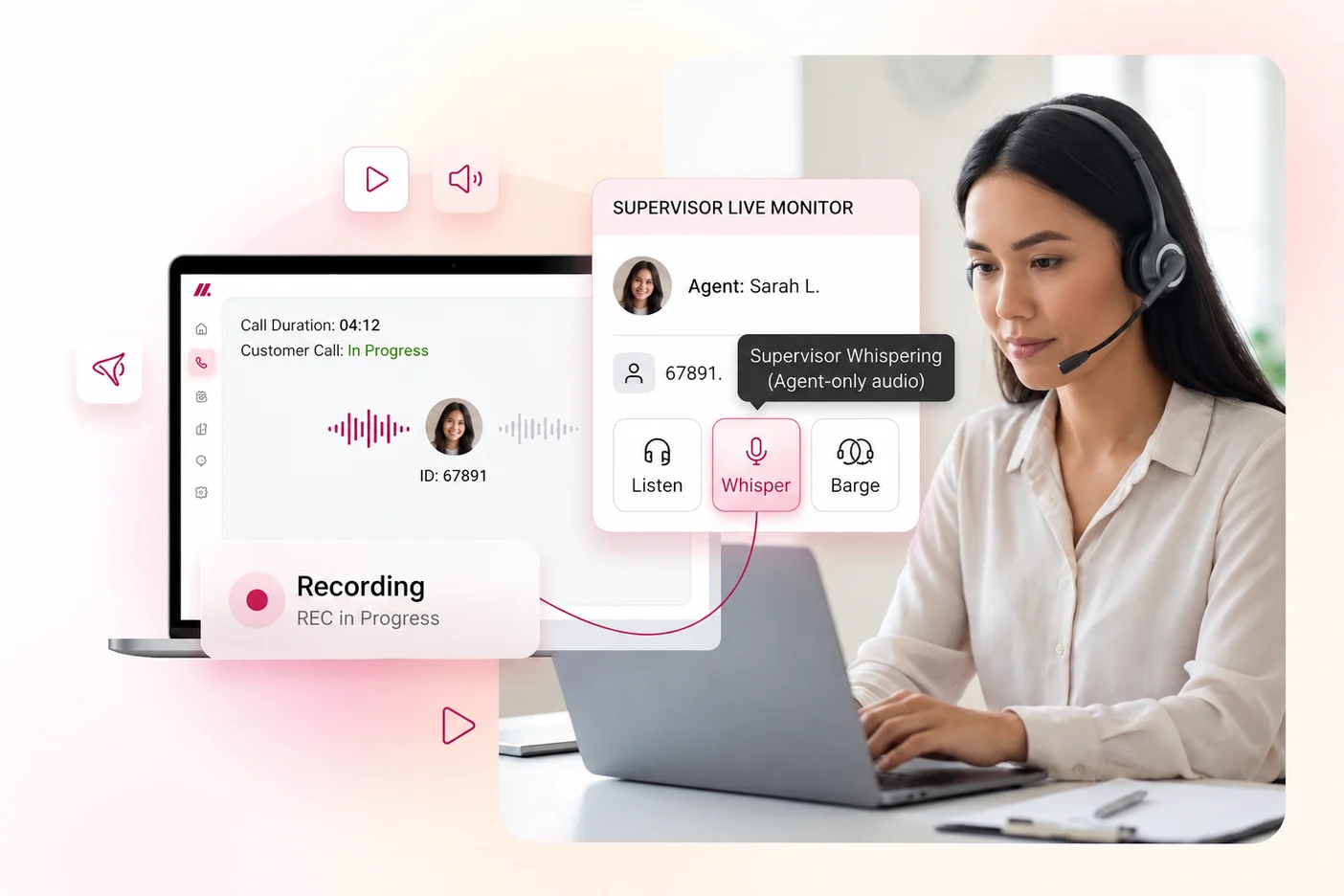
Recording and monitoring
Capture conversations and let supervisors listen, whisper or barge to support agents live.
[ Built from ]
The SipLink products behind it
[ Who it’s for ]
- Help desks and service teams
- Growing support operations
- Businesses tracking service quality
Frequently Asked Questions
The questions we hear most before a business switches. Anything else, ask us and we will answer it.
A more consistent experience, every call
Fewer missed calls, faster responses, and a support experience that stays consistent as your team grows.
Other ways teams use SipLink
- Remote WorkforceKeep your team connected, wherever they work.
- Sales TeamsTurn more conversations into opportunities.
- Unified CommunicationsBring your business communication together.
- Global OfficesOne communication experience across the world.
- Multi-Branch BusinessesConnect every branch. Manage communication centrally.