 082172 02075
 support@siplink.in

UCaaS (Unified Communications as a Service) in VoIP refers to a cloud-based communication model where multiple services like voice calls, video meetings, messaging, and collaboration tools are integrated into a single platform and delivered over the internet. Instead of relying only on traditional telephony, UCaaS uses VoIP technology to handle voice communication while adding features such as instant messaging, presence status, voicemail, and conferencing. This allows businesses to communicate more efficiently through one unified system that can be accessed from anywhere, without needing complex on-premise infrastructure.
SIPLink UCaaS integrates all your business communication into one powerful, cloud-based platform built on reliable VoIP technology. Instead of managing separate systems for calls, video meetings, messaging, and integrations, SIPLink UCaaS unifies everything into a single, seamless experience. This not only reduces operational complexity but also improves team productivity and responsiveness.
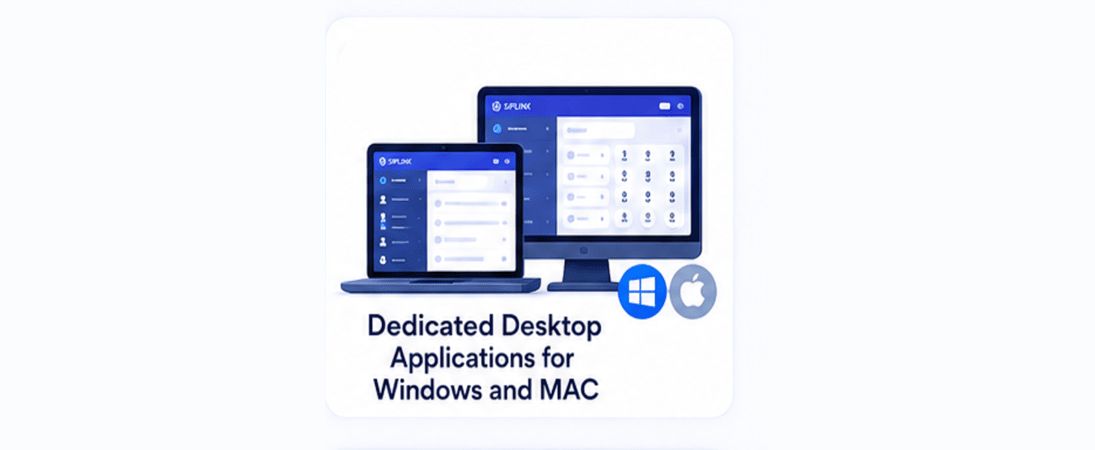
With SIPLink UCaaS, your business can communicate from anywhere, on any device, making it ideal for modern and remote work environments. It eliminates the need for costly on-premise infrastructure while offering enterprise-grade features such as high-quality voice calling, video conferencing, instant messaging, call management, and real-time presence.
Designed for scalability and flexibility, SIPLink UCaaS grows with your business, allowing you to easily add users and features as needed. It also ensures enhanced reliability, security, and professional communication capabilities that help you deliver better customer experiences.
Upgrade your business to a consistent and protected business Siplink VoIP solution.
Multiple Features were available in our Siplink UCaaS service, which makes our Clients connect and communicate with end-to-end users easily
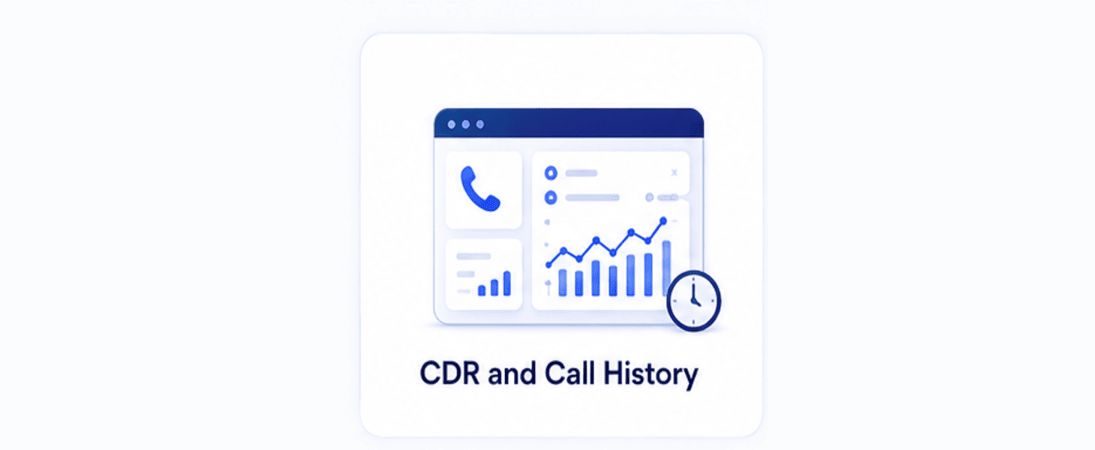
CDR reports are a key part of our business VoIP reporting features. Admins can easily log in to the web portal to view, track, and download detailed call records for any time period. Reports are available in Excel or CSV format, making analysis and record-keeping fast, simple, and hassle-free.
Admin can also check call history by filtering from number to number and specific time ranges. This makes it easy to track the history of individual callers and quickly access the required call details.
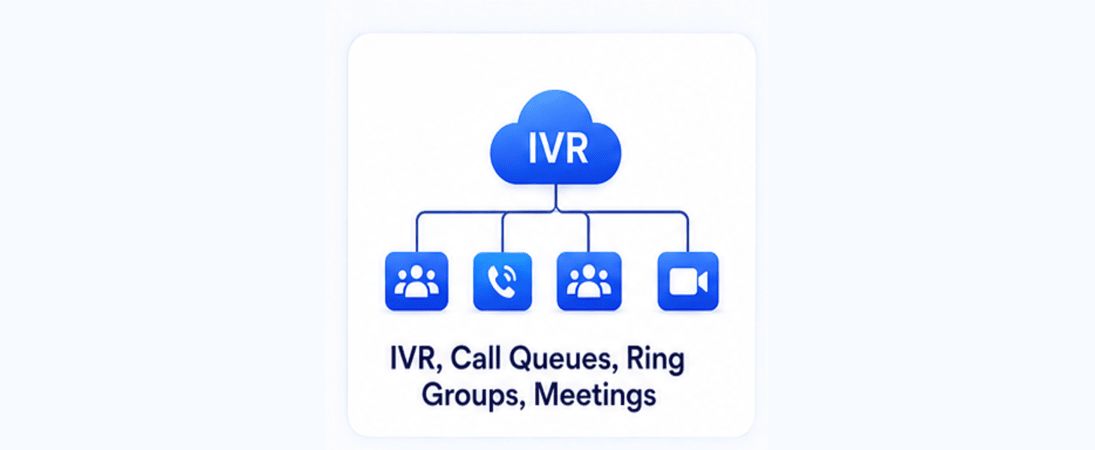
Siplink IVR (Interactive Voice Response)is an automated call management system that allows businesses to handle incoming calls efficiently without manual intervention. When a customer calls, they are greeted with a pre-recorded voice menu that guides them to the right department or service using keypad inputs or voice responses. For example, callers can press specific numbers to reach billing, support, sales, or any other department, ensuring their query is routed quickly and accurately. Call Queue and Smart Routing ensure that incoming calls are efficiently handled by routing them to available agents; if one agent is busy, the call is forwarded to the next available user, and if all agents are busy, it is directed to voicemail, which can be accessed via the web portal or email. You can also configure sequential or simultaneous ringing, ensuring calls are answered quickly and connected to the right person, improving overall customer experience and productivity. Our Meeting feature works seamlessly, similar to platforms like Google Meet or Microsoft Teams. You can easily create meetings and share secure meeting links with participants both inside and outside your organization, allowing anyone to join from anywhere. It provides a simple, reliable, and efficient way to collaborate, conduct discussions, and stay connected in real-time.
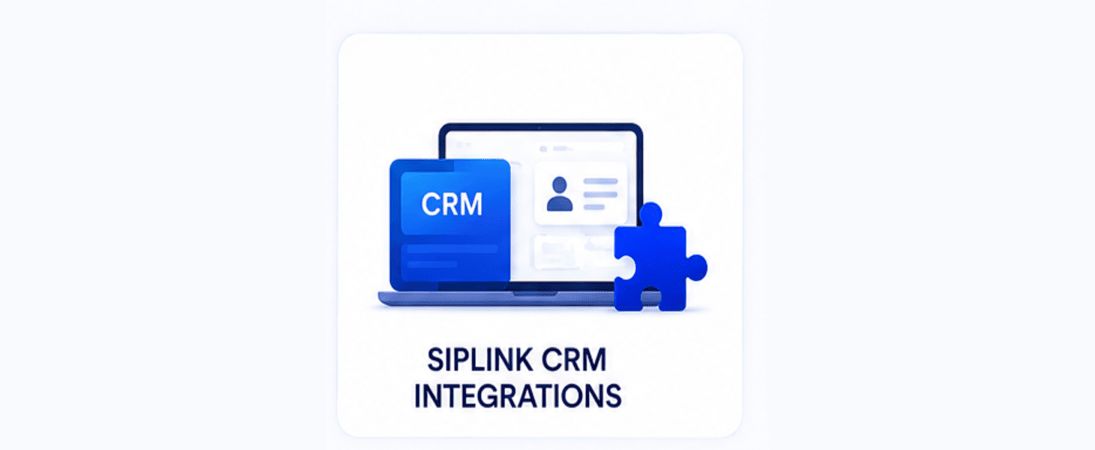
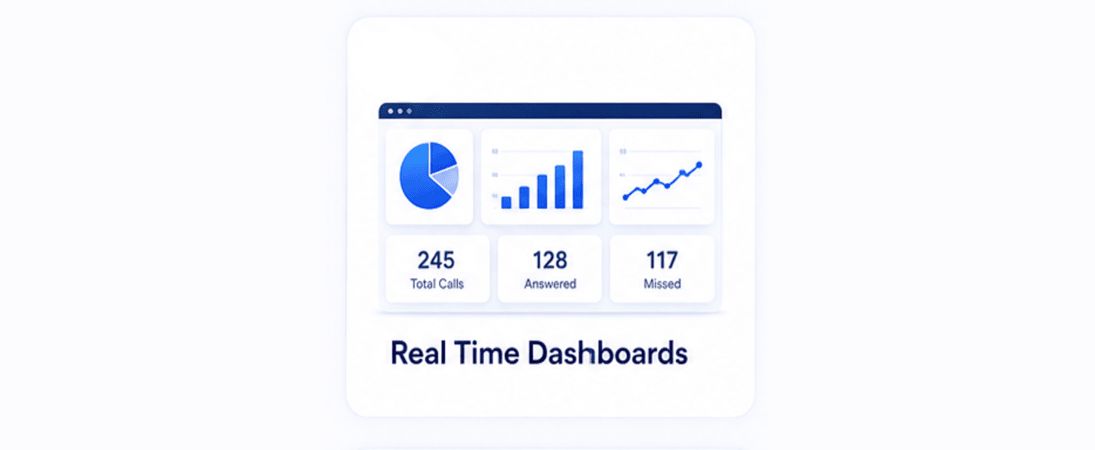
Our platform offers seamless CRM integrations with leading solutions like Zoho, Odoo, and HubSpot, enabling medical billing, RCM, and healthcare organizations to streamline their entire workflow from a single portal. By connecting your CRM with our communication and fax systems, all patient information, billing data, documents, and interactions are automatically synchronized, eliminating manual data entry and reducing errors. This integration ensures that every step of the revenue cycle from patient onboarding and insurance verification to claims submission, follow-ups, and payment tracking is efficiently managed and easily accessible. With built-in automation, tasks such as claim follow-ups, document sharing, reminders, and status updates are handled in real time, helping teams stay organized and responsive. Critical documents like EOBs, prior authorizations, and billing records can be sent and received directly within the CRM through integrated fax and email systems, improving turnaround time and ensuring secure communication. These integrations also provide powerful reporting and dashboards, giving businesses clear visibility into performance, revenue flow, and operational efficiency. Designed specifically to support the needs of medical billing and RCM companies, our CRM integrations help improve accuracy, enhance compliance, and accelerate reimbursements while enabling better collaboration between teams, providers, and insurance companies all from one unified platform
Siplink offers a secure and reliable cloud-based fax solution through its Web2Fax and Fax-to-Email services, enabling businesses to send and receive faxes digitally without the need for traditional fax machines. With Web2Fax, users can easily upload and send documents through an online portal, while Fax-to-Email allows incoming faxes to be delivered to email inboxes as PDF attachments, ensuring quick access and efficient document management. Users can also send faxes directly from their email, making the process simple and convenient from any device, anywhere. Built with enterprise-grade security, Siplink ensures that all communications are encrypted and protected, making it ideal for handling sensitive information. This solution is particularly beneficial for medical billing and Revenue Cycle Management (RCM) companies, where secure and timely document exchange is critical. Siplink enables healthcare organizations to transmit patient records, insurance claims, prior authorizations, EOBs, and denial appeals safely and efficiently while supporting compliance requirements such as HIPAA. By digitizing fax workflows, it helps reduce paperwork, minimize errors, and speed up claims processing, resulting in improved operational efficiency and faster reimbursements. With centralized digital storage, easy retrieval of documents, and real-time delivery tracking, Siplink empowers medical billing and RCM teams to streamline communication with providers and insurers while maintaining accuracy and compliance.

Siplink provides a fast and reliable SMS platform that enables businesses to send and receive messages in real time from a single dashboard. It helps medical billing, RCM, healthcare, and staffing companies stay connected by sending appointment reminders, payment alerts, interview schedules, job updates, and important notifications instantly. For staffing companies, it simplifies candidate communication, speeds up interview coordination, and improves response rates. With faster communication, reduced delays, and better engagement, Siplink SMS ensures smooth and


So What’s Next?